Technology
One cable mistake could be killing your desktop PC's gaming performance
CRAYON summary
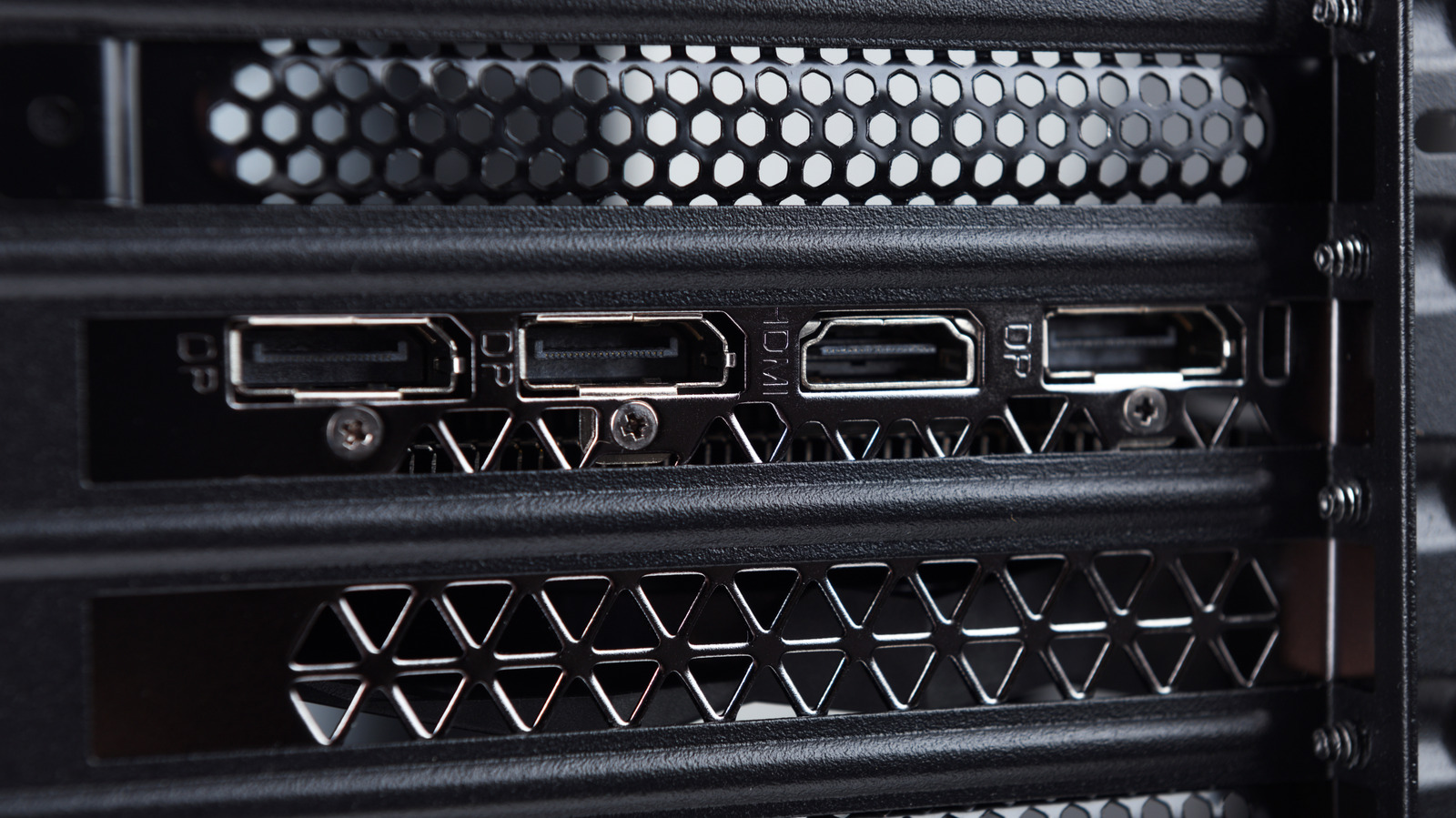
Engadget reports that connecting a monitor to a desktop PC's motherboard rather than its dedicated graphics card can significantly reduce gaming performance. The piece explains how to check which port a monitor is plugged into and restore lost frame rates.
Based on Engadget's report - only one outlet has covered this so far. Read the original.▲ Sign in to vote stories up
Coverage 1 source · 1 report
Chronological.
-
One cable mistake could be killing your desktop PC's gaming performance
Plugging your monitor into the motherboard instead of your dedicated GPU can ruin gaming performance. Here's how to check your ports and get your frames back.
Related stories
 Entertainment
Skip Hinnant, Actor on ‘The Electric Company’ and Voice of Fritz the Cat, Dies at 86
 U.S.
Pat McAfee and Kirk Herbstreit apologize for picking SMU over Wake Forest on College GameDay
Sports
Falcons WR Drake London Picks Up Second Straight Unnecessary Roughness Fine
 World
SpaceX launches Starship on Flight 15 mission
Discussion 0 comments