How to hide the new macOS 27.3 menu bar indicator

9to5Mac reports that macOS 27.3 beta 2 adds a blue menu bar indicator for apps using System & App Protection Override, which Apple describes as a transparency indicator that appears when one app is controlling another. The outlet says this can leave a persistent pill in the menu bar for users who regularly run trusted automation tools and utilities. Its how-to piece describes a Terminal workaround for hiding the indicator.
Based on 9to5Mac's report - only one outlet has covered this so far. Read the original.Coverage 1 source · 1 report
Chronological.
-
How to hide the new macOS 27.3 menu bar indicator
macOS 27.3 beta 2 adds a blue menu bar indicator for apps using System & App Protection Override. Apple describes it as a transparency indicator that appears when one app is controlling another. If you regularly use trusted automation tools and utilities, that can mean a persistent pill taking up space in your menu bar. Prefer to hide it? There’s a Terminal workaround. more…
Related stories
 Technology
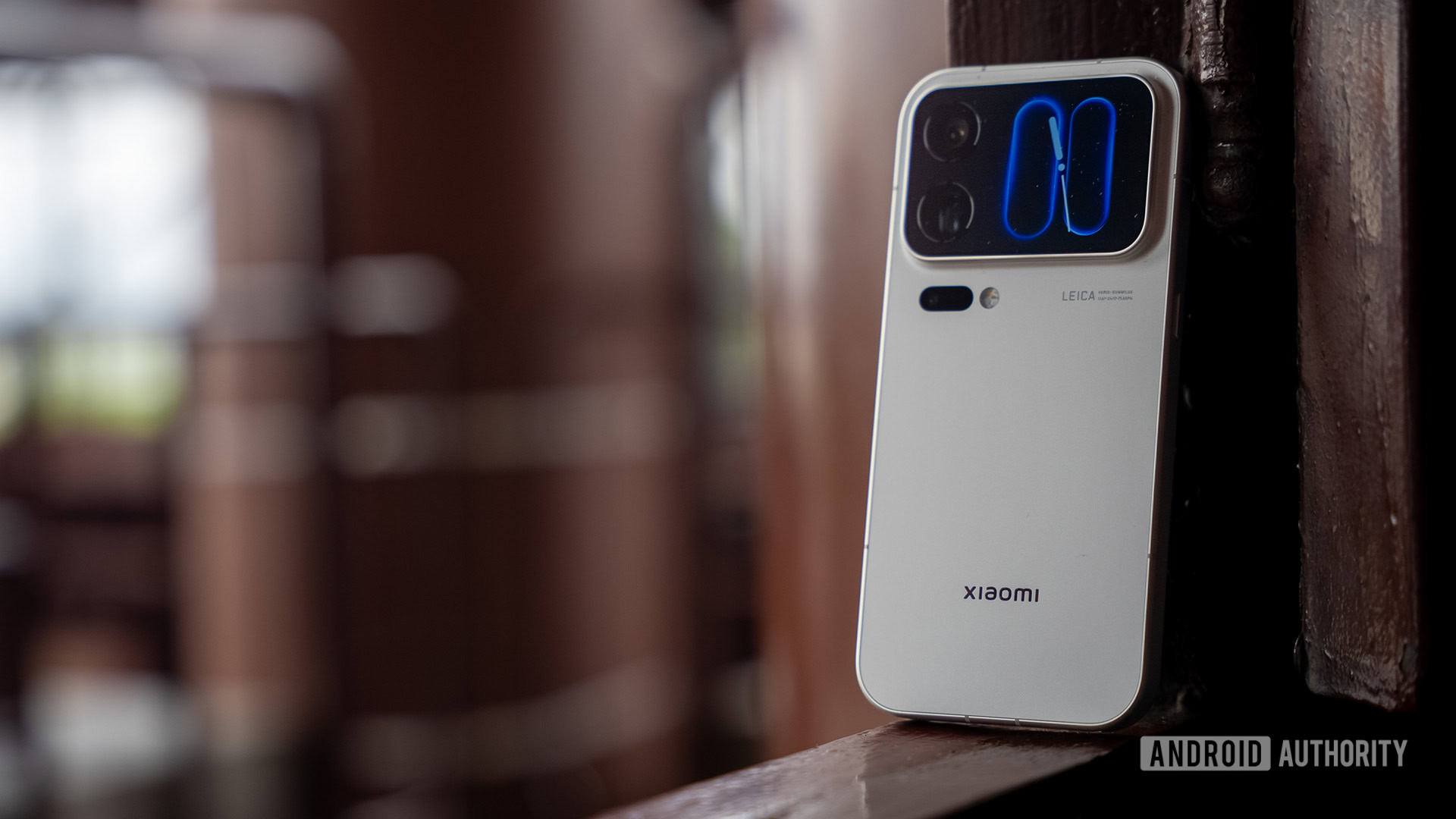
Xiaomi 18 Pro series goes global with privacy displays and rear screens
 Technology
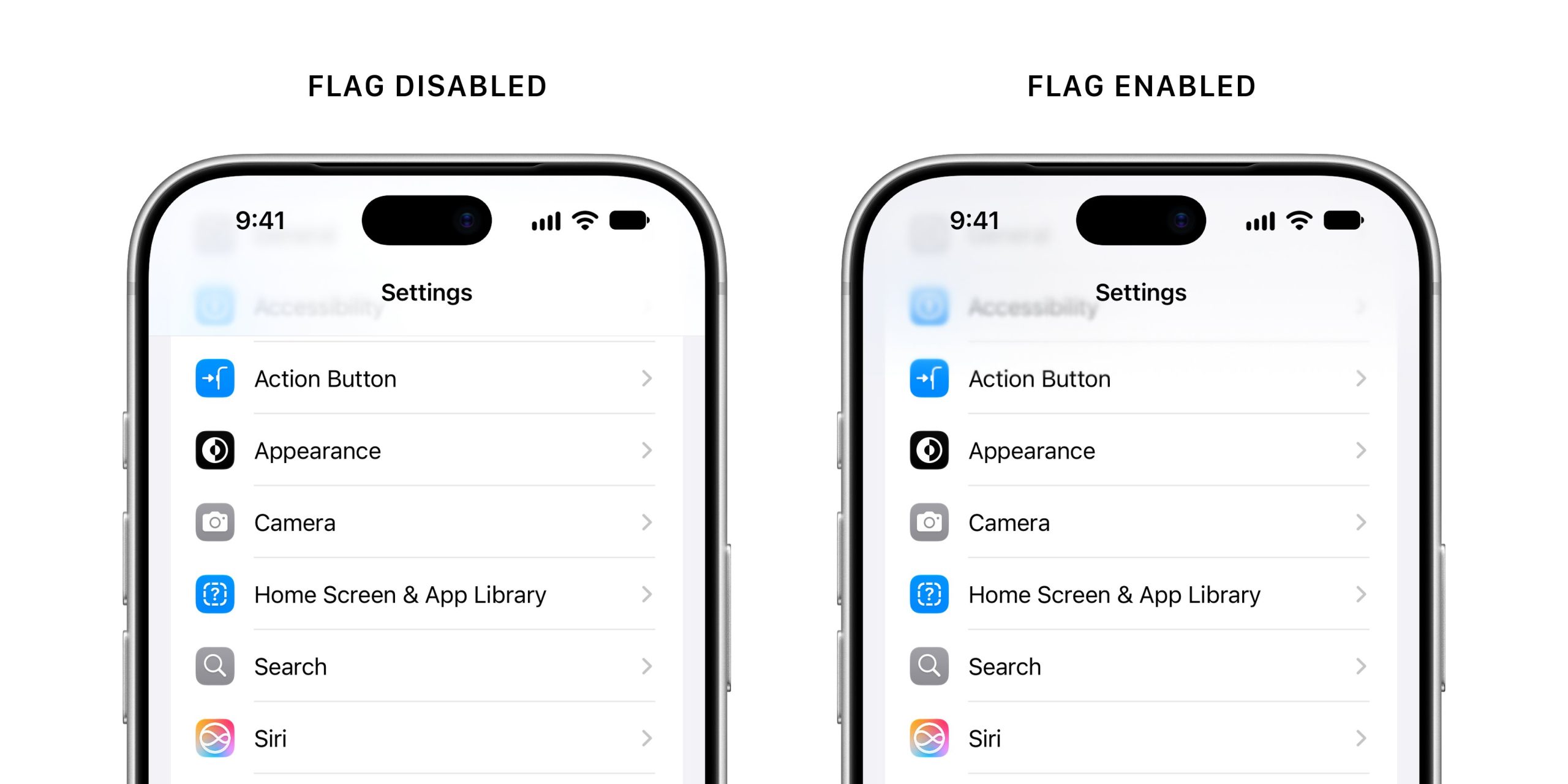
Apple Tests Bringing Back a Softer Side of Liquid Glass
 Technology
iPhone Users Targeted in Major Website Security Breach
 Technology
SiMa.ai’s Palette 3.0 runs many AI models on one chip and lifts throughput up to 3.5 times
Discussion 0 comments