Technology
How to calibrate your 3D printer (and why you should)
CRAYON summary
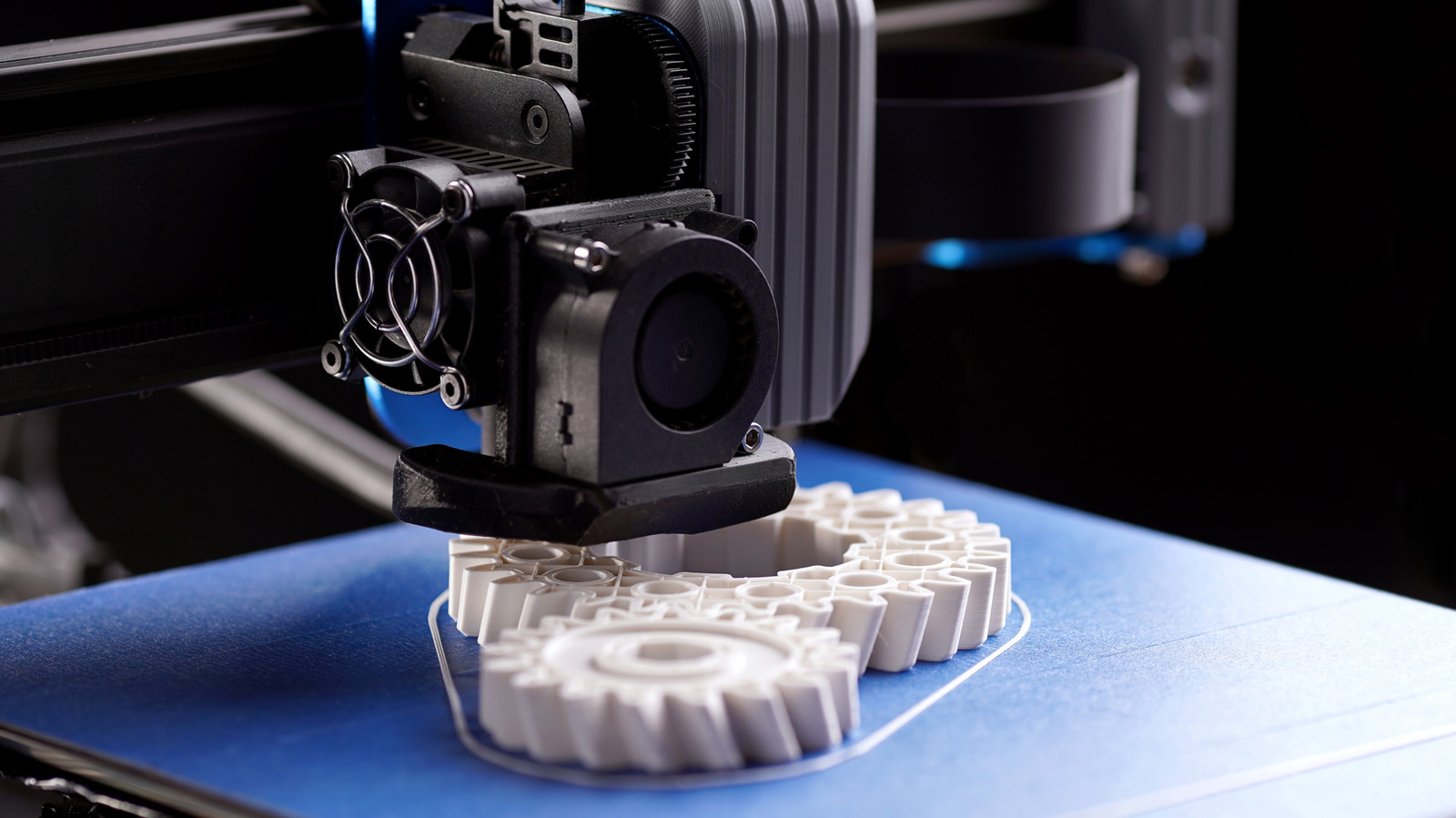
Engadget publishes a how-to guide arguing that a 3D printer whose prints keep failing may not need replacing, since a few calibration checks could solve the problem and improve print quality. The guide covers checking the printer's hardware, leveling the bed, adjusting the Z-offset, testing extrusion, and tuning temperature and flow settings.
Based on Engadget's report - only one outlet has covered this so far. Read the original.▲ Sign in to vote stories up
Coverage 1 source · 1 report
Chronological.
-
How to calibrate your 3D printer (and why you should)
Your 3D printer might not need replacing just because its prints keep failing. A few calibration checks could solve the problem and improve print quality.
Related stories
 U.S.
Countries agree to U.N. talks aiming to regulate 'killer robots' by 2028
 Entertainment
CAA’s Bryan Lourd Urges Congress to Pass NO FAKES Act to Combat AI Deepfakes: ‘Every One of Us Should Have the Right to Say No’
 Politics
Trump vows to work with Democrats to cap credit card interest rates
 Technology
Anthropic Mathematician Claims to Have Solved Math’s Most Famous Problem
Discussion 0 comments