Technology
Why your monitor flickers when you turn it on and can it be fixed?
CRAYON summary
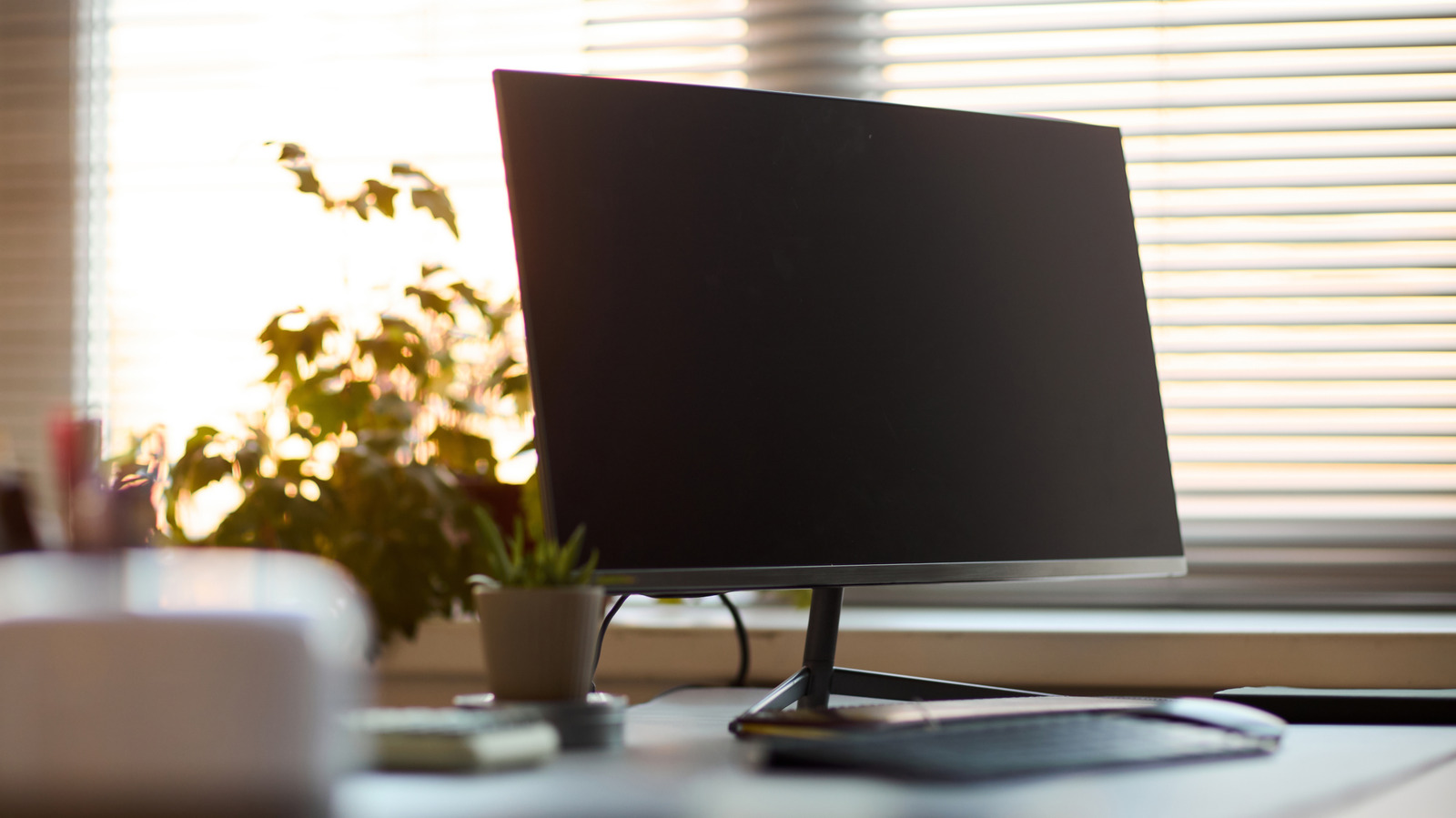
Engadget explains possible causes of a computer monitor flickering when it is turned on. The outlet says flickering can stem from a bad cable, a bad port or mismatched display settings, and it walks through common issues readers can check for.
Based on Engadget's report - only one outlet has covered this so far. Read the original.▲ Sign in to vote stories up
Coverage 1 source · 1 report
Chronological.
-
Why your monitor flickers when you turn it on and can it be fixed?
A flickering computer monitor can be a symptom of several different issues. Let's explore some common ones.




Discussion 0 comments