Technology
How to tell if a USB-C port is damaged
CRAYON summary
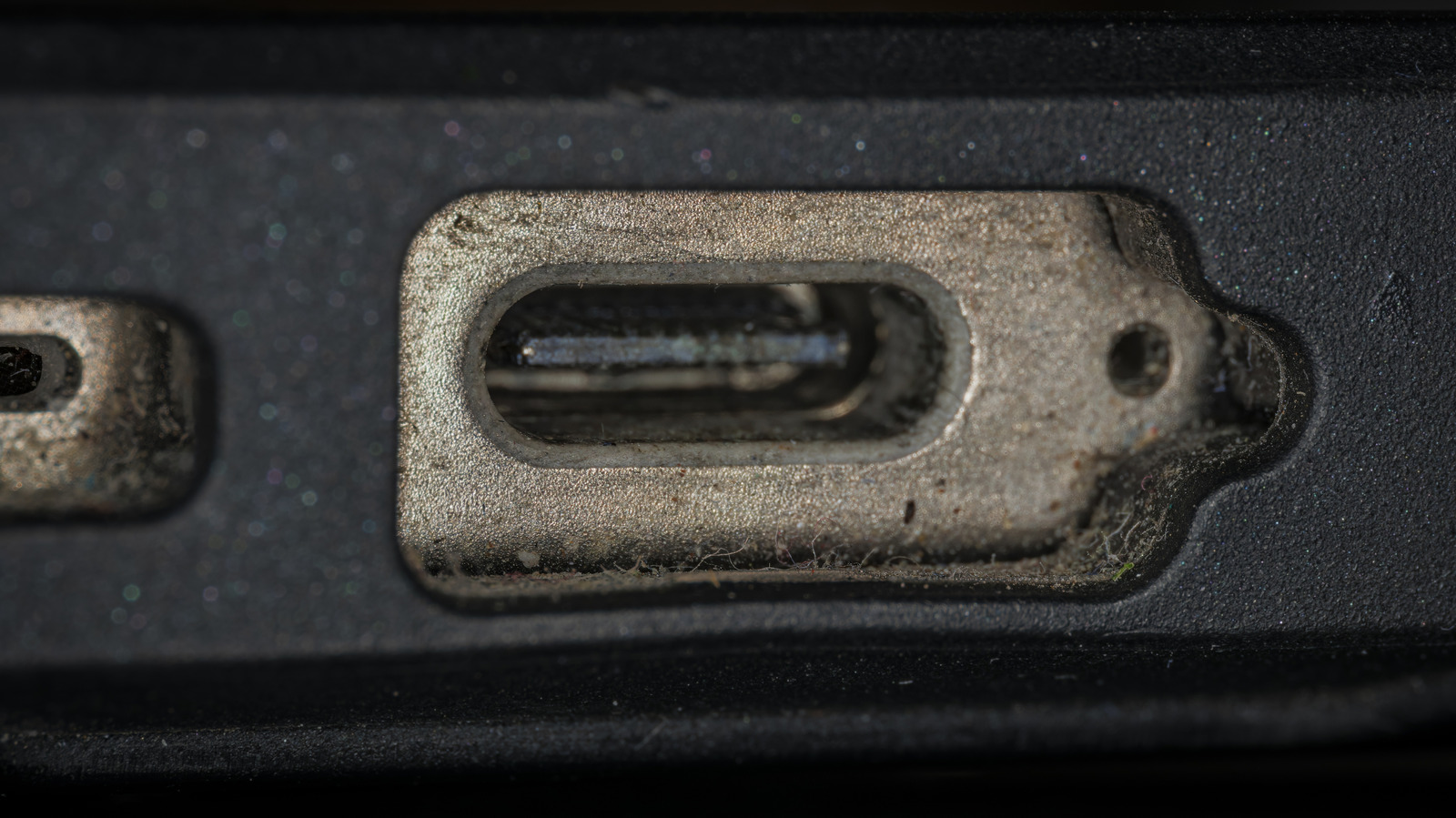
Engadget publishes a guide on how to tell whether a USB-C port is damaged, covering common warning signs and how to rule out cables and debris as the cause of charging and connection problems. The piece says bent pins, liquid exposure and scorching can damage a USB-C port. It adds that inconsistent charging or data transfers may be the first sign of trouble.
Based on Engadget's report - only one outlet has covered this so far. Read the original.▲ Sign in to vote stories up
Coverage 1 source · 1 report
Chronological.
-
How to tell if a USB-C port is damaged
Learn how to tell if your USB-C port is damaged, spot common warning signs and rule out cables and debris as the cause of charging and connection issues.
Related stories
 World
About 2,000 migrants arrive in Crete by boat since Friday, Greek officials say
 U.S.
SpaceX launches Northrop Grumman cargo ship on flight to ISS
 U.S.
Lane Kiffin complains about programs tampering with LSU players in wildly hypocritical scene given his history
 Sports
When is a hair pull not a hair pull? Why Timber didn't see red for Arsenal
Discussion 0 comments